The AI zombie love story trend is everywhere on TikTok & Reels
Zombie AI Video GeneratorMake the viral zombie love story with your own photos.
Upload a photo of you and someone you love. Zombie AI Video turns one of you into a zombie, stages the standoff, the dropped bat and the hug, then cuts to a warm, sunlit memory. Ready to post in minutes.
- No watermark
- 9:16 for TikTok & Reels
- Ready in minutes
- Free credits to try
New accounts get free credits to try it.
The trend, frame by frame
What is the AI Zombie Trend?
The AI zombie trend (also called the zombie love story or "My Beloved Zombie") is a 10–15 second vertical video that went viral on TikTok and Instagram Reels in autumn 2026. It looks like horror, but it lands like a love letter. Every version follows the same five beats:
- 01
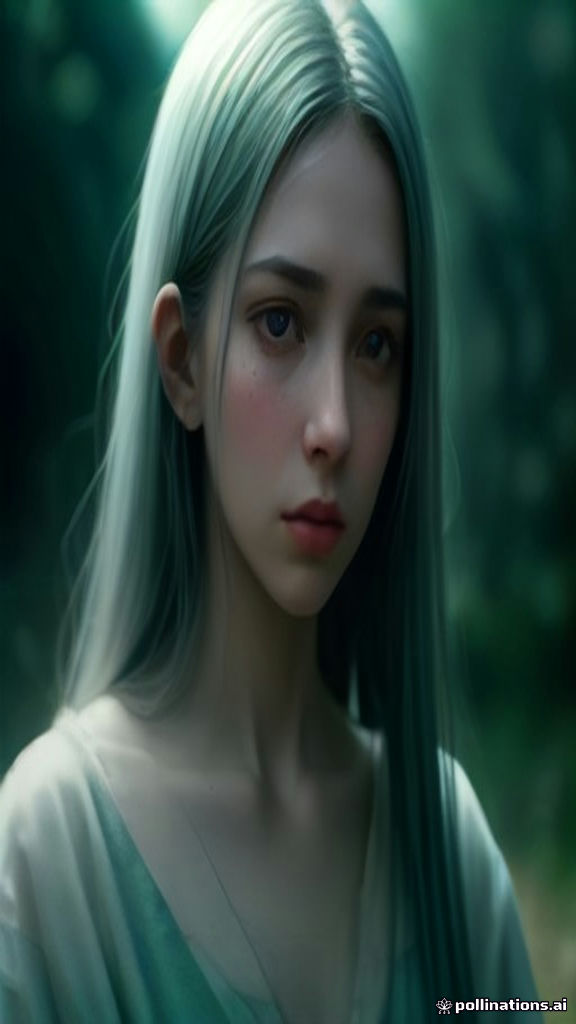 01
0101 · The turn
Someone you love has turned
Grey skin, cloudy eyes, an abandoned kitchen or rooftop. They are still wearing their own clothes.
- 02
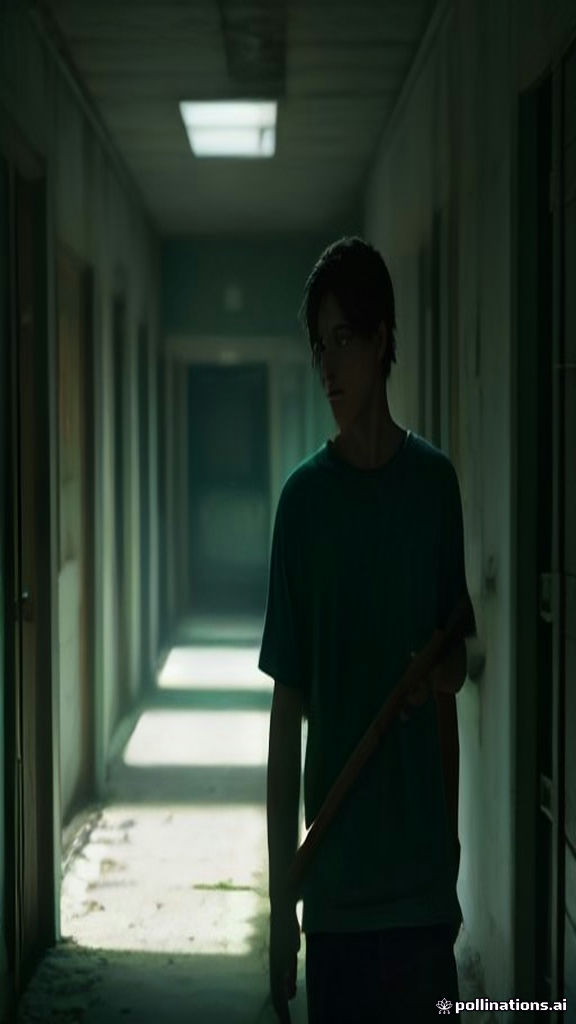 02
0202 · The standoff
The survivor raises the bat
The weapon is up, the hands are shaking, and the moment stretches.
- 0303
03 · The drop
They can't swing it
The bat falls to the floor. This is the beat every comment section talks about.
- 04
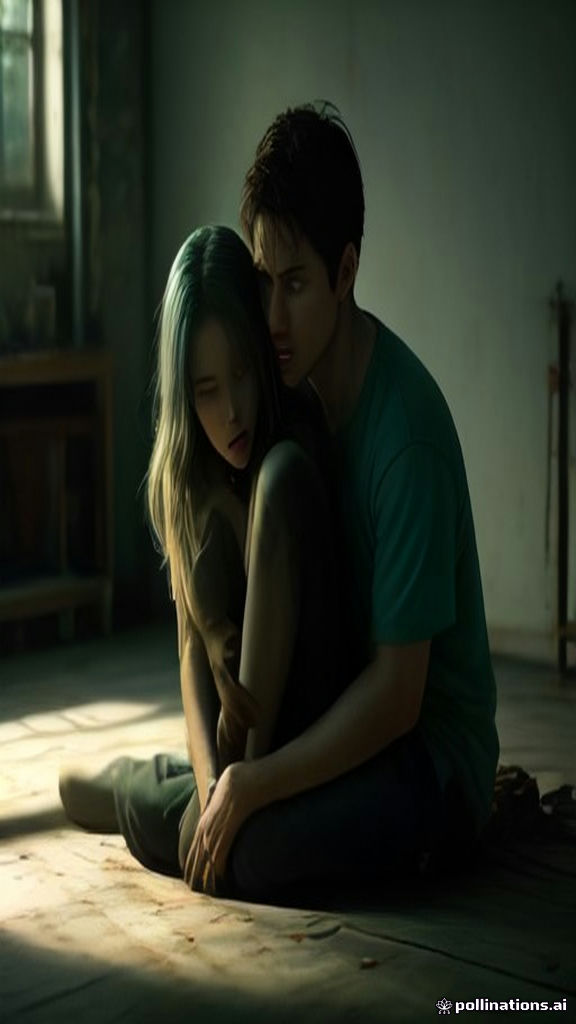 04
0404 · The hug
They hold each other anyway
No running, no fighting. Just a hug that says they're staying.
- 05
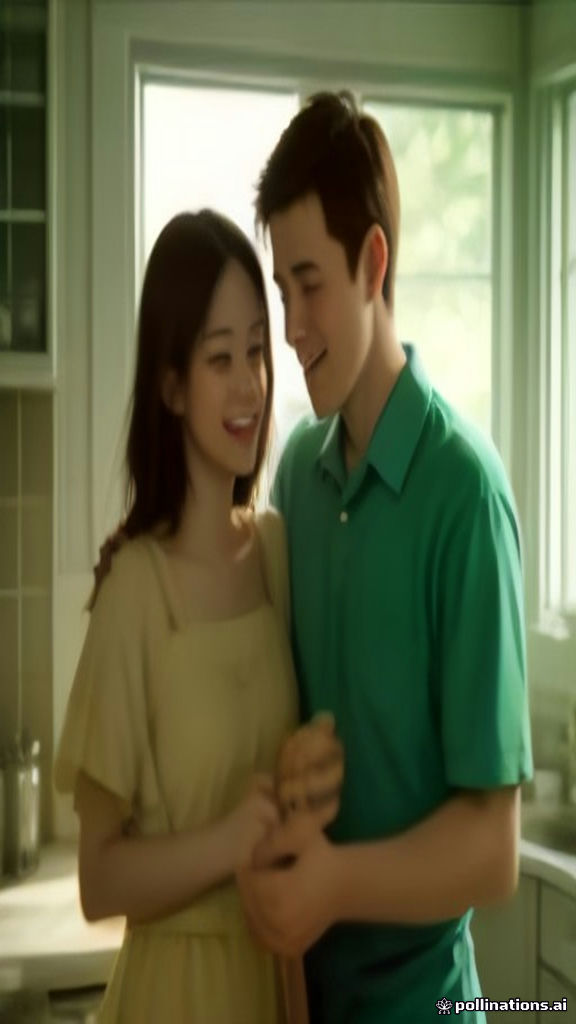 05
0505 · The memory
Match cut to the good days
Warm sunlight, both of them human and laughing: pancakes, a snowball fight, a road trip.
- 9:16 vertical
- 10–15 seconds
- Add a sad piano track in TikTok
The emotional beat is the point, not gore. Zombie AI Video recreates the whole arc from your photos.
Scene presets
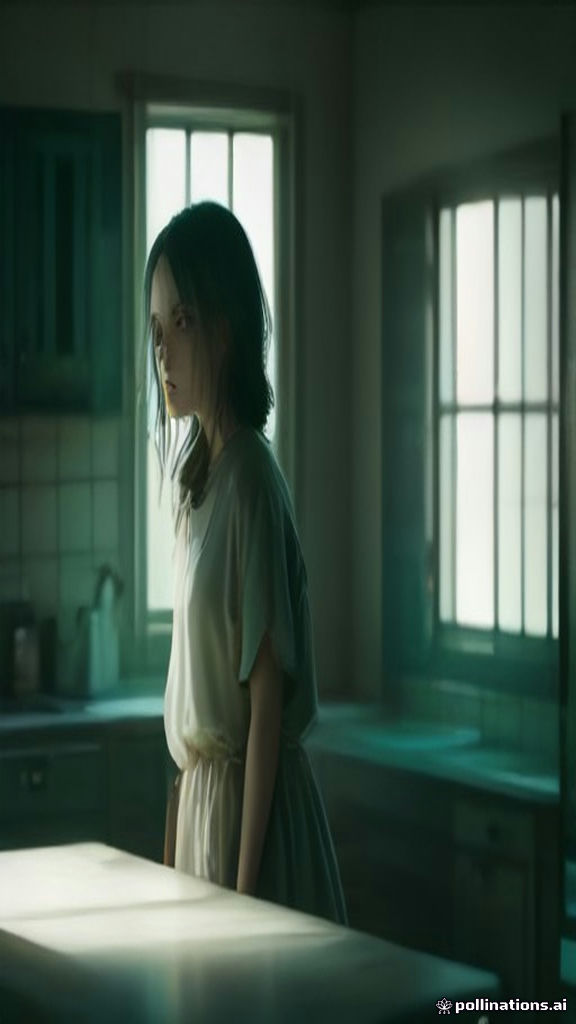
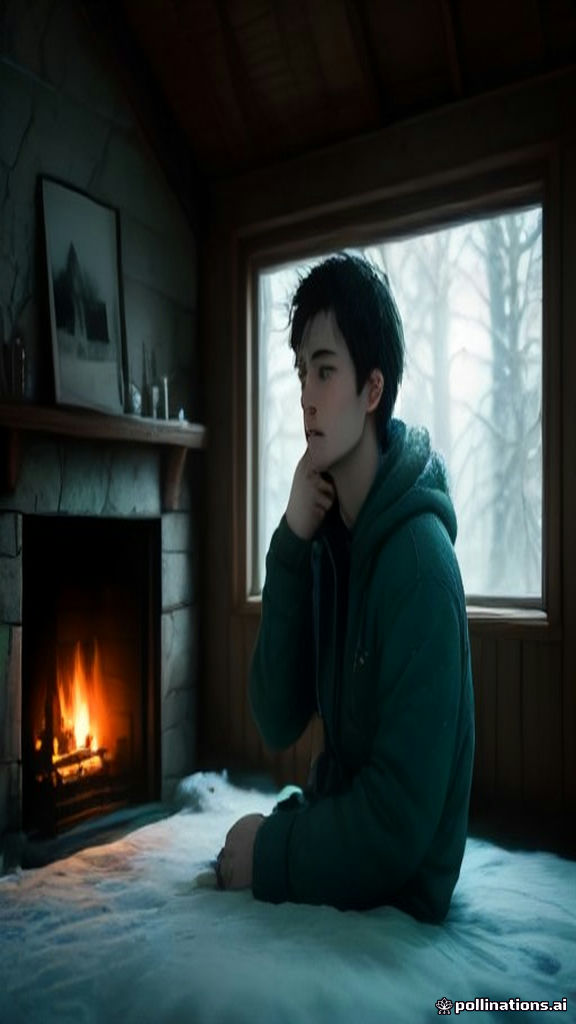
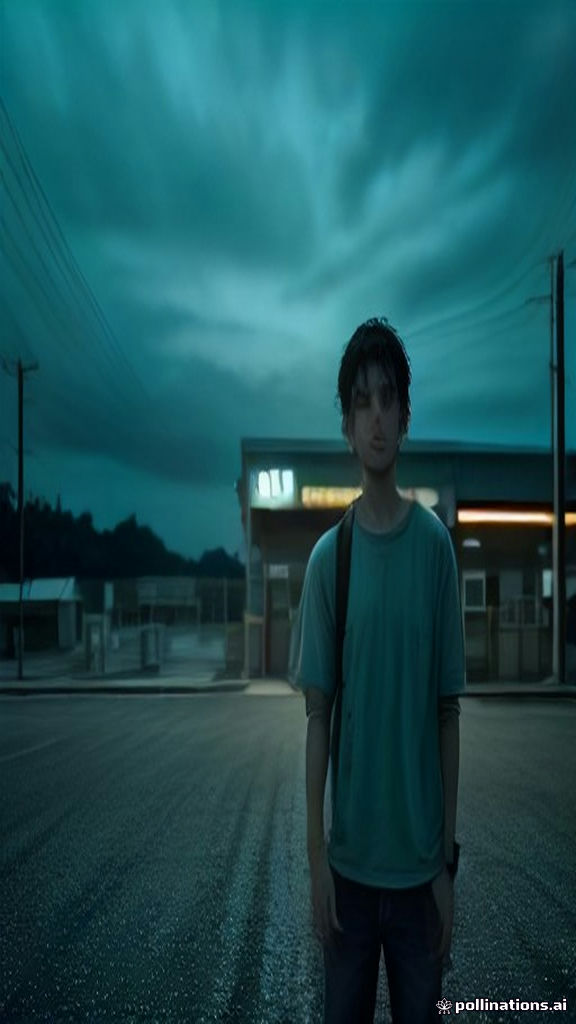
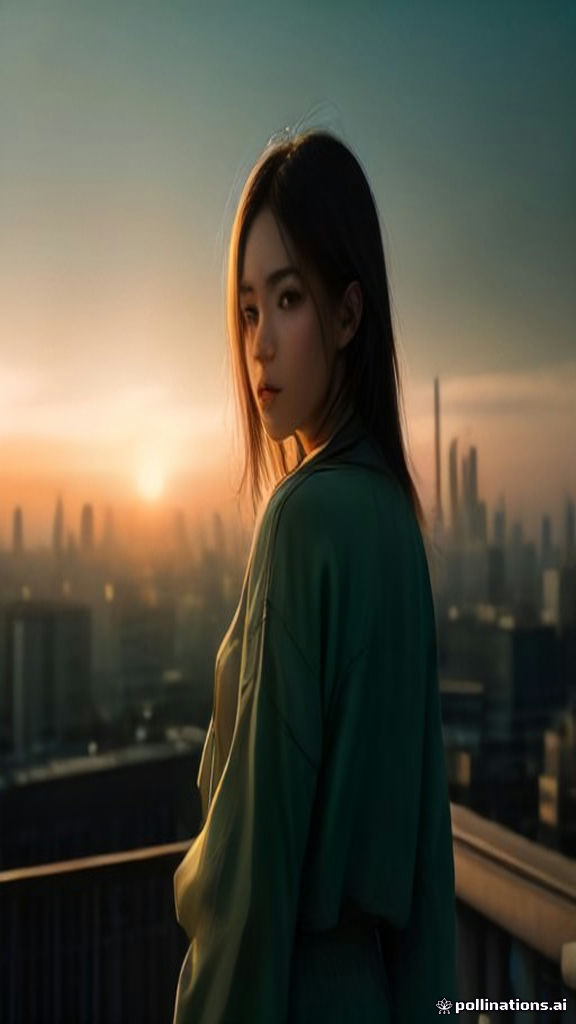
Four scenes. One heartbreak each.
Pick where the story happens. Every preset comes with its own sunlit memory for the final match cut.
Key features
Everything the zombie trend needs, in one generator
Zombie AI Video is built for this one format, so the faces, the pacing and the memory cut all come out right.
Zombie Love Story mode
Upload two photos: the survivor and the one who turns. We stage the full standoff, hug and memory with both faces.
Zombie Transformation mode
Only have one photo? Watch yourself or a friend slowly turn into a zombie. It works as an AI zombie filter that actually moves.
Cinematic scene presets
Abandoned Kitchen, Snowed-in Cabin, Highway Gas Station and City Rooftop, each with a matching sunlit memory.
Made for TikTok & Reels
Choose 9:16, 16:9 or 1:1 and a 5s or 10s length. Add your own prompt for extra details.
Keeps their faces
Powered by the Kling O1 reference-to-video model, so your people still look like themselves, before and after they turn.
MP4 with no watermark
Download a clean MP4 and post it anywhere. Your videos stay in My Videos, ready to download again.
How to
How to make a zombie love story video
Three steps, a couple of minutes, one very emotional comment section.
- 01
Upload your photos
Pick Zombie Love Story (2 photos) or Zombie Transformation (1 photo). Clear, front-facing photos work best.
- 02
Choose a scene and describe it
Select a scene preset, a 5s or 10s length and an aspect ratio. Add an optional prompt for outfits or details.
- 03
Download and post
Your video renders in about 2–5 minutes. Download the MP4, add a sad piano track and post it.
Who it's for
One trend, every kind of love
The zombie love story started with couples, but it works for anyone you'd refuse to leave behind.
- #zombiecouplevideo
Couples
The original. Zombie girlfriend or zombie boyfriend, the bat drops and the hug lands. The classic zombie couple video.
- #zombiehugvideo
Best friends
Your ride-or-die turns, and you still won't leave them. Perfect for tagging your bestie.
- #zombielovestory
Family
Siblings, parents or grandparents. Use an old photo for a memory that hits even harder.
- #zombiepetvideo
Pets
Your dog or cat as the zombie, still wagging and still waiting for you. The zombie pet video everyone shares.
- #turnphotointozombie
Solo transformation
One photo, one slow turn. Watch yourself become a zombie, like an AI zombie filter with a story.
Pricing
Pay once for credits or subscribe monthly. A 5s video costs 50 credits and a 10s video costs 100 credits.
Starter
Try the trend with a few videos
- 500 credits
- Up to 10 × 5s or 5 × 10s videos
- HD MP4, no watermark
- All scenes and both modes
Creator
For posting a series all season
- 1,200 credits
- Up to 24 × 5s or 12 × 10s videos
- HD MP4, no watermark
- All scenes and both modes
Pro
For creators and small brands
- 3,500 credits
- Up to 70 × 5s or 35 × 10s videos
- HD MP4, no watermark
- All scenes and both modes
- Commercial use
- Priority render queue
New accounts get free credits to try. Credits are only spent when a video is created.
FAQ
Frequently asked questions
Everything about the AI zombie trend and how Zombie AI Video works.
Before the trend moves on
Turn your photos into a zombie love story tonight
Two photos, one scene, a few minutes. Sign up for free credits and make the video your friends will cry over.